

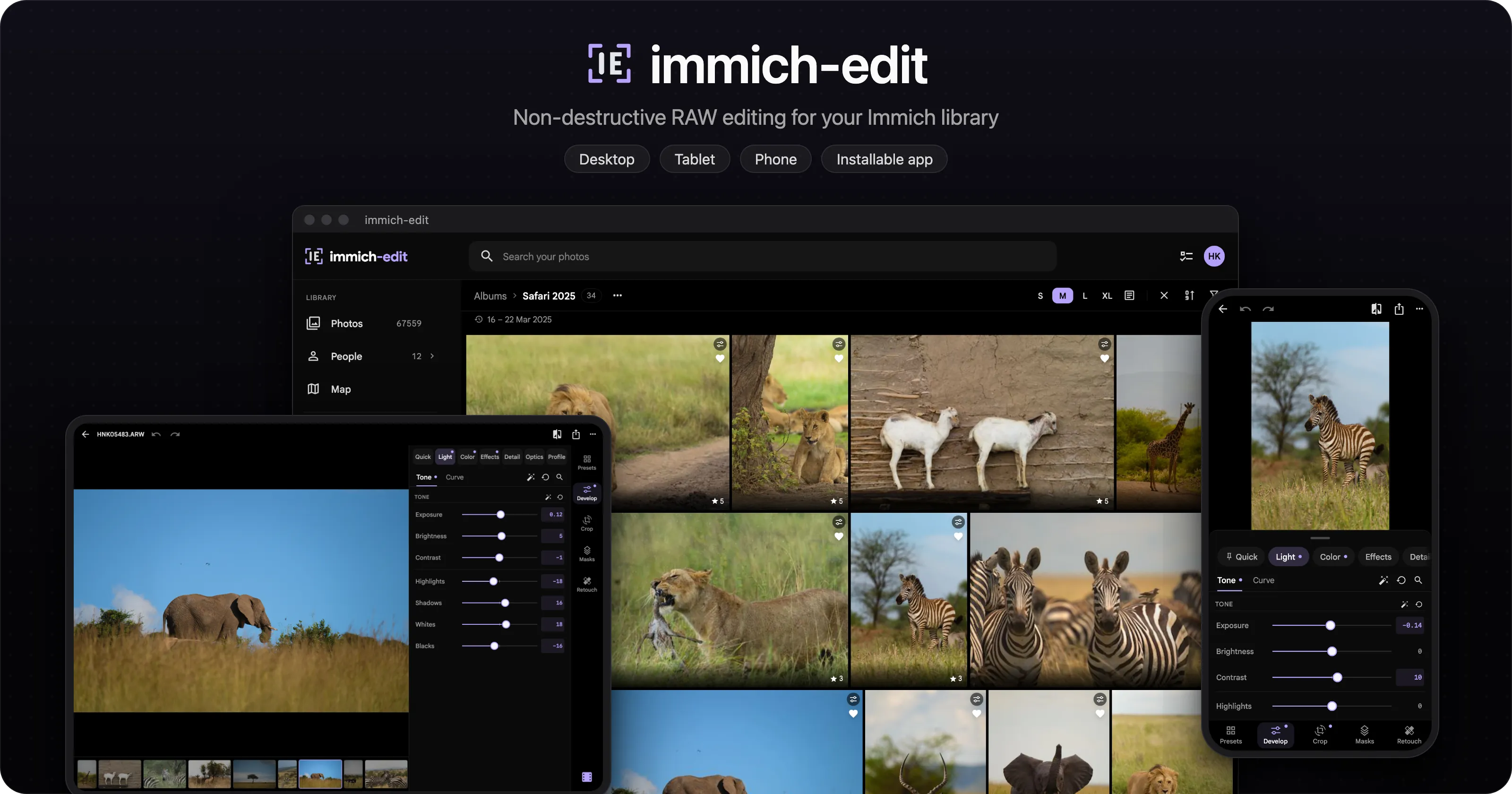
Quick start
Deploy with Docker Compose, connect to your Immich server, and claim your instance in minutes. Install immich-edit.
Develop camera RAWs with DCP profiles, live GPU previews, curves, HSL, color grading, lens corrections, and AI denoise. Originals stay untouched in Immich, and exports upload back as new assets, stacks, or replacements.
Develop guide →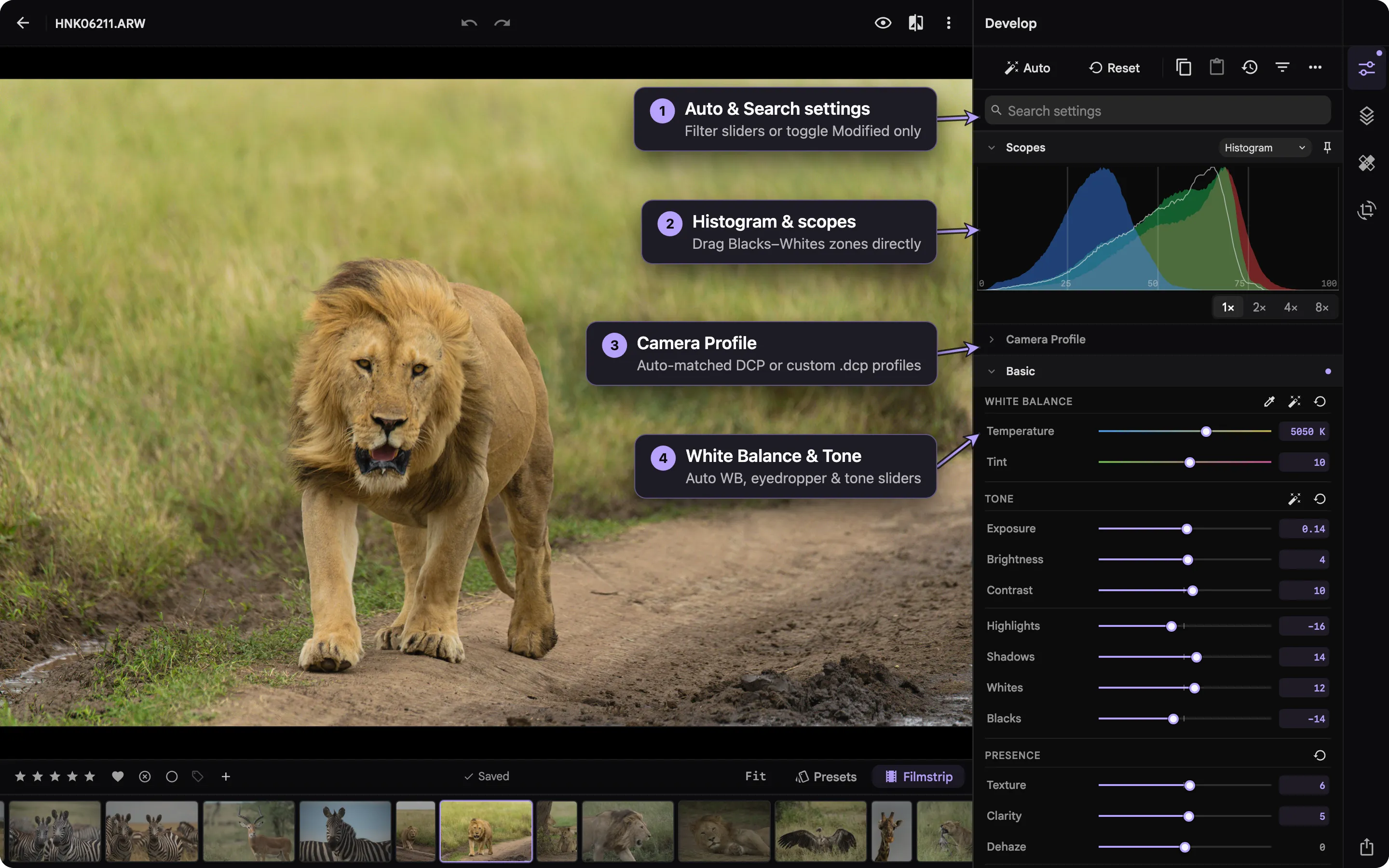
Isolate subjects, skies, people, or depth ranges with on-server ONNX models, refine with brushes, gradients, and range masks, and fix horizons or perspective with Guided upright.
Masks, retouch, and crop →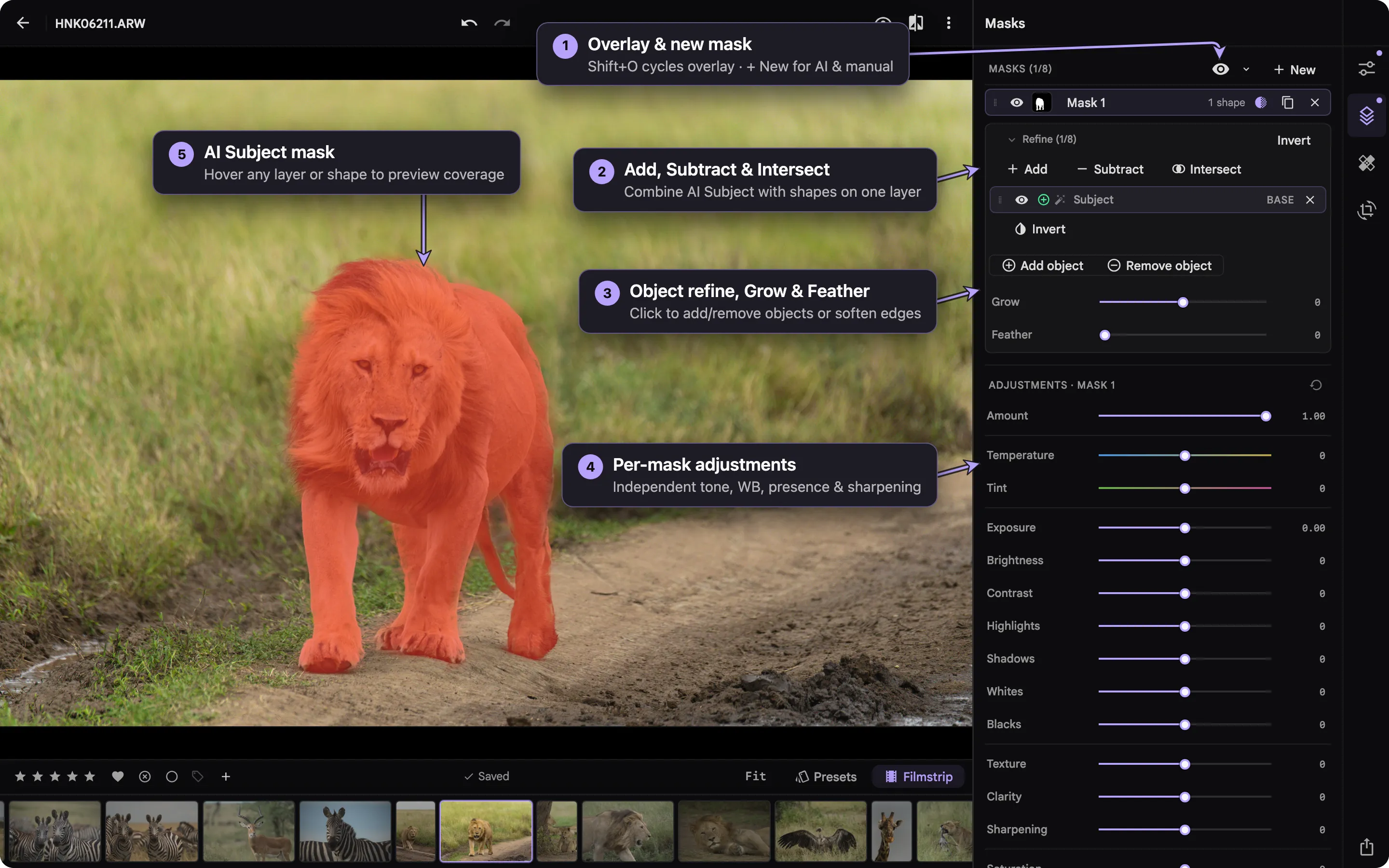
Rate, reject, tag, compare side by side, and explore your library on an interactive map across desktop, tablet, and phone — syncing ratings, favorites, albums, tags, and locations straight back to Immich.
Browse and cull →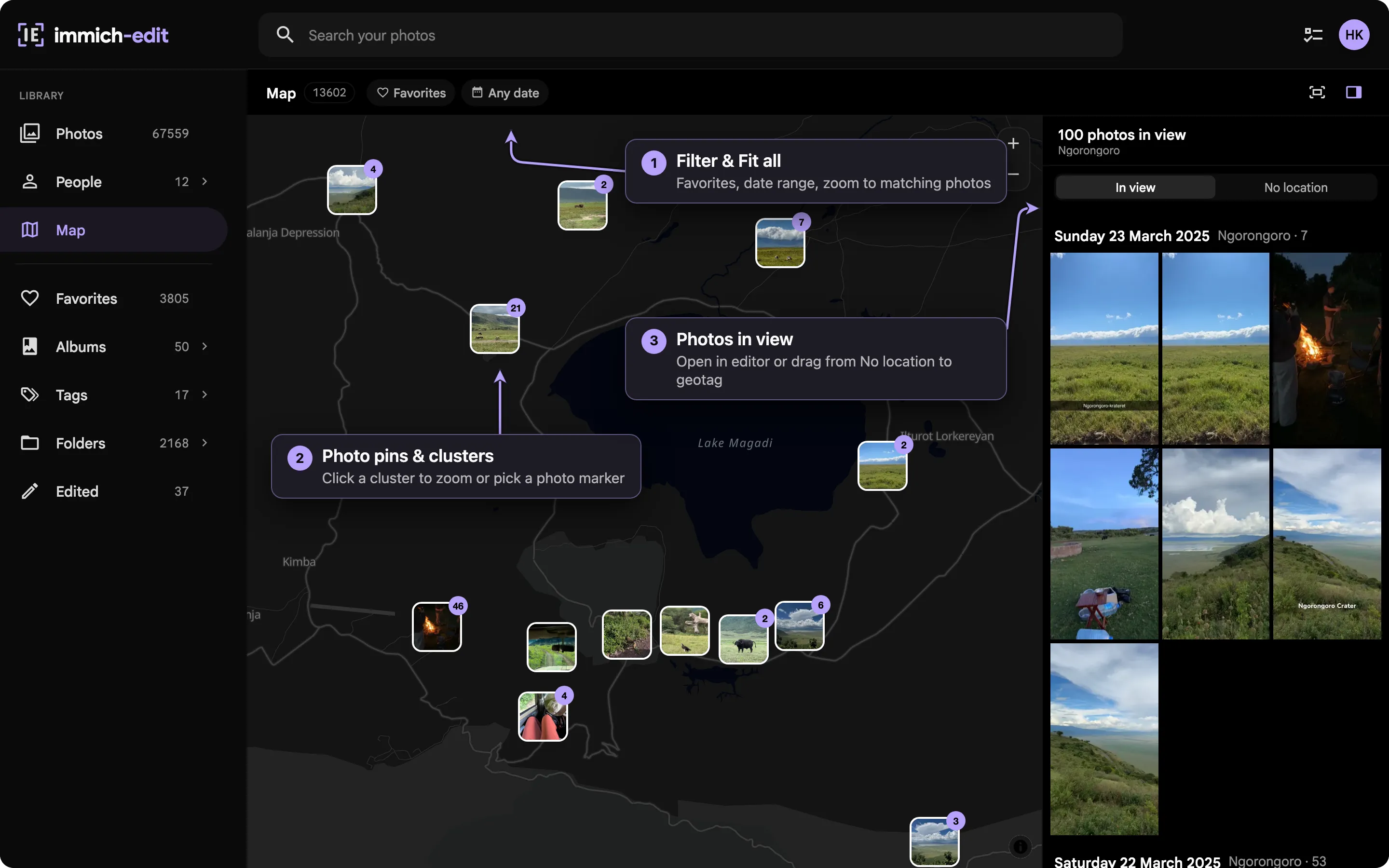
Quick start
Deploy with Docker Compose, connect to your Immich server, and claim your instance in minutes. Install immich-edit.
Edit photos
Browse, cull, geotag, develop RAW files, mask locally, and export back to Immich. Originals stay untouched. Explore the editing guide.
Self-host
Run behind a reverse proxy, enable GPU passthrough, connect Immich OAuth, configure backups, and manage AI models. Open hosting docs.
Reference
Check supported RAW cameras, export formats, capabilities, and customizable keyboard shortcuts. Browse reference.